For notaries

Coordinate property transfers with the buyer, seller, agent, bank, and taxateur in view.

SuriProp gives notaries a transaction workspace for accepted offers, title documents, party context, closing checklist, and inbox follow-up.

Assigned

Deals

Closing

Checklist

Inbox

Messages

Actual app screen
Notary dashboard
Notary dashboard
Actual notary dashboard for accepted referrals, closing work, and transfer coordination.

Why this is better than the current process

Today

Notaries are often brought in after buyer and seller have already exchanged incomplete information.

With SuriProp

Clearer workflow

The notary sees the accepted offer, property, buyer, seller, and document context before starting closing work.

Today

Title checks, transfer deed steps, and missing documents are tracked outside the buyer/seller workflow.

With SuriProp

Clearer workflow

The closing checklist shows title review, transfer deed, tax, signing, registration, and release steps.

Today

Multiple parties ask for status separately.

With SuriProp

Clearer workflow

The inbox keeps notary questions and updates attached to the exact deal.

Today

Remote buyers require extra coordination for power of attorney and signing.

With SuriProp

Clearer workflow

Buyer location is visible so notary steps like volmacht can be surfaced early.

Actual app screen
Receive assigned transfers and closing work
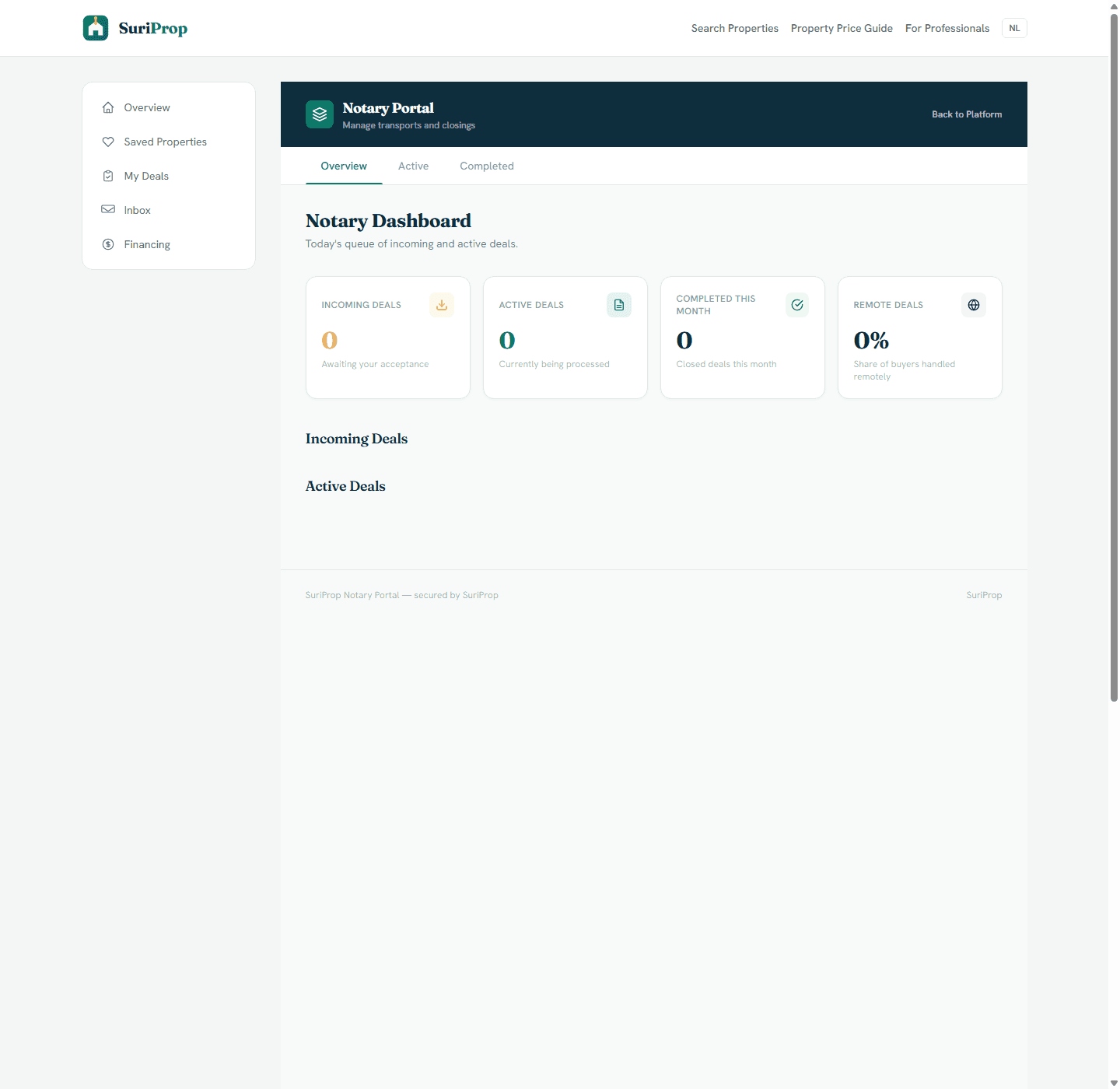
Actual notary dashboard for accepted referrals, closing work, and transfer coordination.
Actual app screen
Closing steps
Closing steps
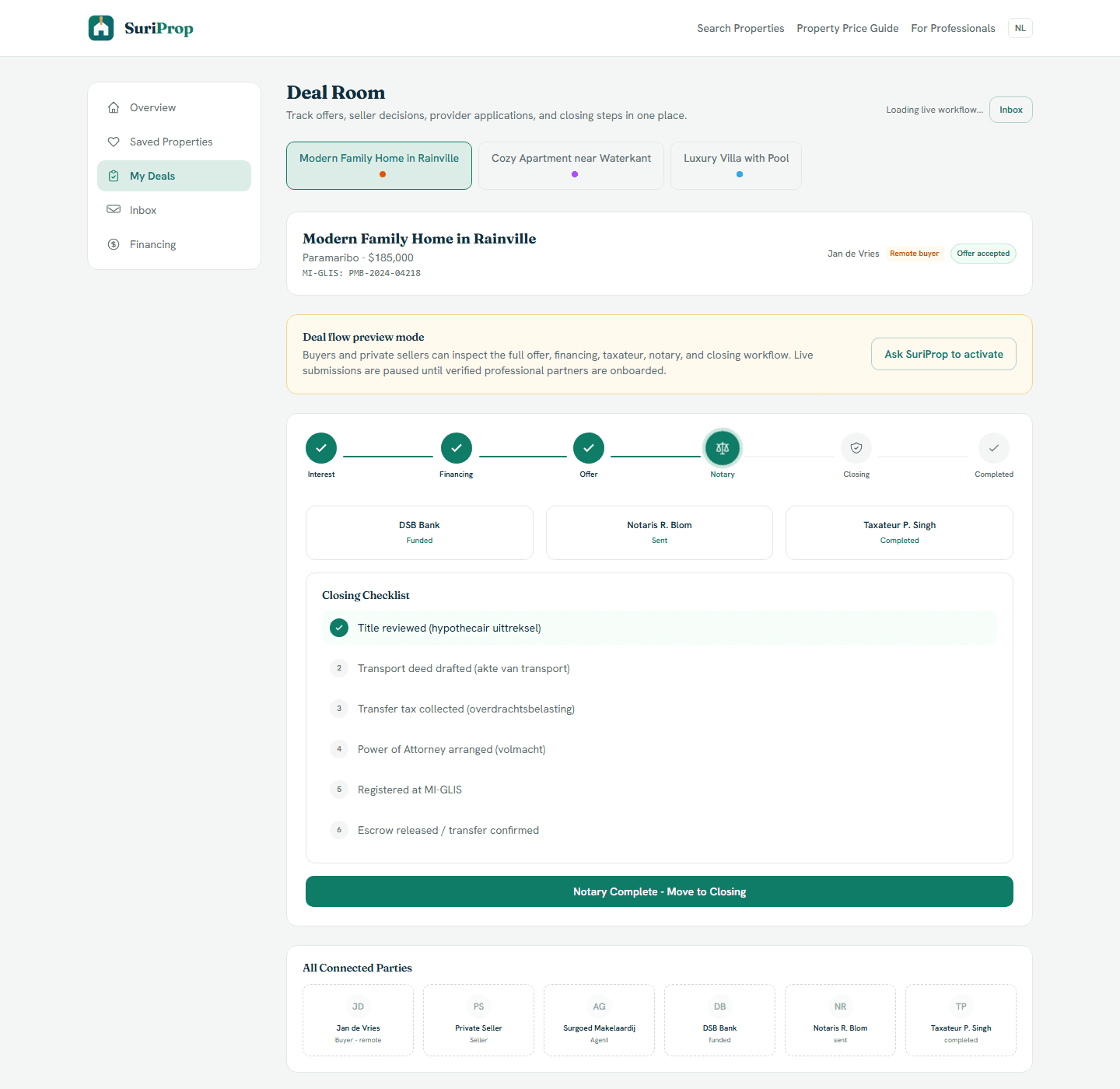
Actual deal room screen showing preview lock, offer stages, financing, taxateur, notary, inbox, and closing structure.

What this stakeholder actually sees

These are role-specific app surfaces and the controls behind them, using actual routed screens from the current SuriProp app.

Actual app screen
Receive assigned transfers and closing work
Actual notary dashboard for accepted referrals, closing work, and transfer coordination.

Notary portal

Receive assigned transfers and closing work

Referral queue

Portal

The notary portal is designed around incoming deals, active deals, completed transfers, and deal origin.

Accepted-offer context

Context

Live referrals will include buyer, seller, property, accepted offer, parcel context, and professional status.

Verified access

Controlled

Notary access is approved manually so only verified professionals receive transfer work.
Actual app screen
Closing steps
Closing steps
Actual deal room screen showing preview lock, offer stages, financing, taxateur, notary, inbox, and closing structure.

Notary deal room

Closing steps

Offer-to-notary path

Sequenced

The notary becomes relevant after the seller accepts the offer and the buyer sends the application.

Closing checklist

Checklist

Title review, transfer deed, transfer tax, signing, registration, and completion sit in the same transaction context.

Party visibility

Shared

Buyer, seller, agent, bank, and taxateur status can be visible to reduce repeated status requests.

Actual app screen
Party coordination
Party coordination
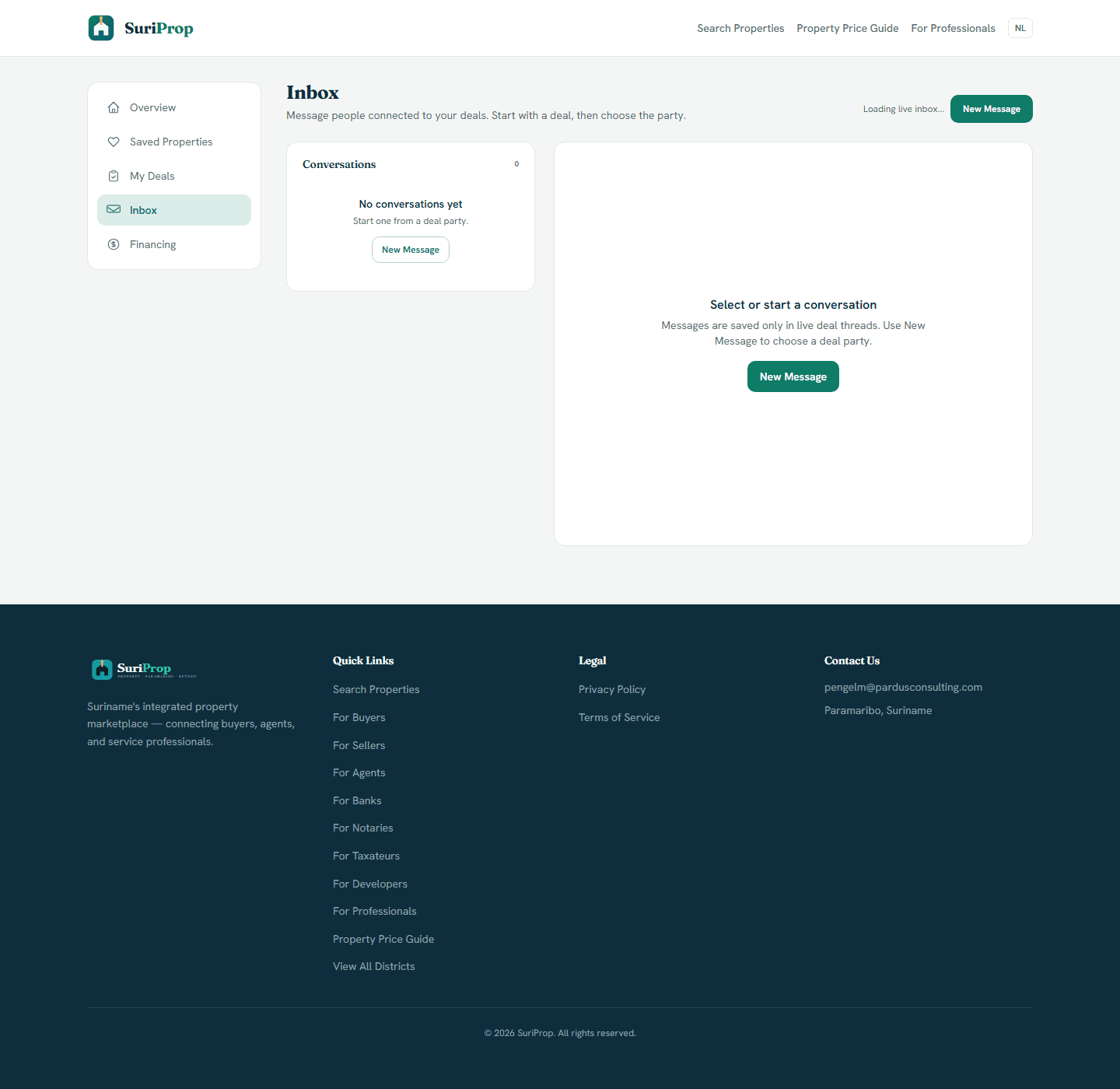
Actual inbox screen for deal-tied messages and party follow-up.

Notary inbox

Party coordination

Document requests

Request

The notary can request IDs, powers of attorney, title documents, or signing details inside a deal-tied thread.

Bank and taxateur context

Visible

Funding and valuation progress can be referenced without the notary chasing separate parties manually.

Closing messages

Threaded

Questions and updates stay tied to the property transfer rather than scattered across personal channels.

What the dashboard gives you

Notary dashboard for assigned deals and accepted offer context.

Closing checklist for title review, transfer deed, transfer tax, signing, registration, and release.

Party overview showing buyer, seller, agent, bank, and taxateur status.

Inbox thread for missing information, document requests, and next steps.

Live referrals from buyers or agents after seller offer acceptance on eligible transactions.

Connected workflow

How the screens connect

1

Receive assigned transfers and closing work

The notary portal is designed around incoming deals, active deals, completed transfers, and deal origin.

2

Closing steps

The notary becomes relevant after the seller accepts the offer and the buyer sends the application.

3

Party coordination

The notary can request IDs, powers of attorney, title documents, or signing details inside a deal-tied thread.

Core deal-room structure

The full transaction flow is preview-gated for buyers and sellers until a transaction is eligible, but these are the shared deal surfaces every stakeholder connects into.

Actual app screen
Deal room
Deal room
Actual deal room screen showing preview lock, offer stages, financing, taxateur, notary, inbox, and closing structure.
Actual app screen
Financing hub
Financing hub
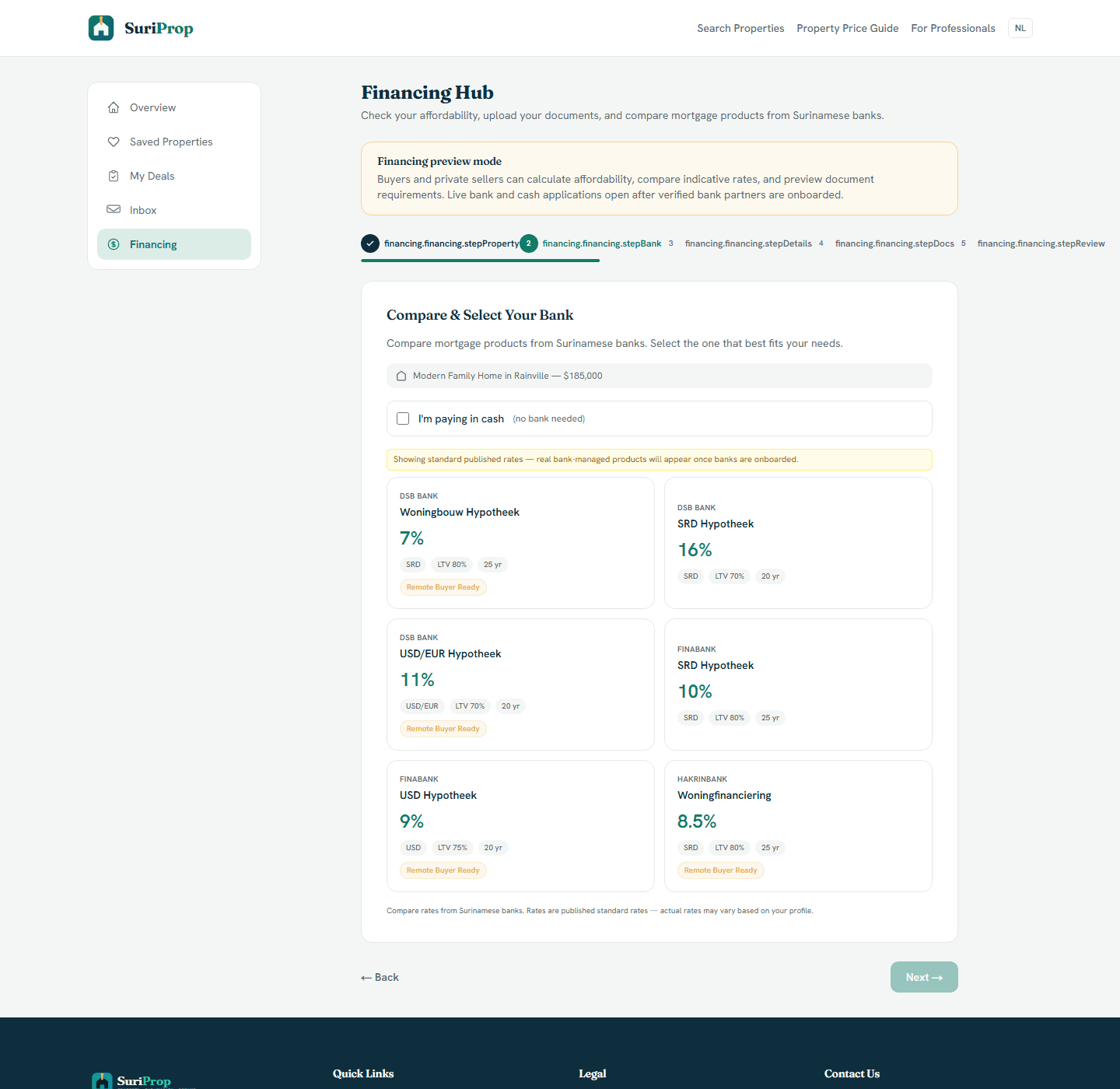
Actual financing hub where buyers compare bank products and prepare affordability information before a live handoff.
Actual app screen
Inbox
Inbox
Actual inbox screen for deal-tied messages and party follow-up.

The flow

1

SuriProp verifies and activates the notary partner account.

2

Buyer or agent selects a notary after the seller accepts an offer.

3

The notary receives the application with available document context.

4

Closing status and requests are coordinated from the dashboard and inbox.

Request notary onboarding

Notary access is manually approved so identity, service coverage, dashboard users, and external invoicing are confirmed before referral work is assigned.

Professional onboarding

Request access to SuriProp

Professional accounts are approved manually and invoiced outside the app.

Requests are sent to pengelm@pardusconsulting.com.